Tables Don't Display Properly in Microsoft Word
Word
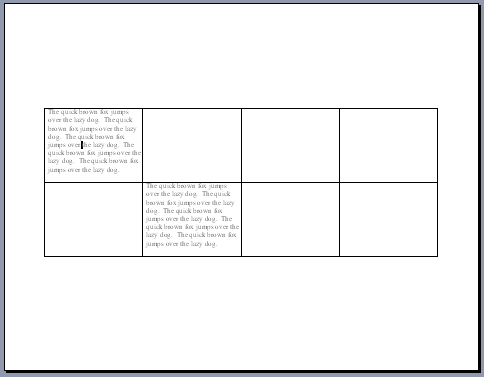
There's one good reason your tables might look like the following graphic.
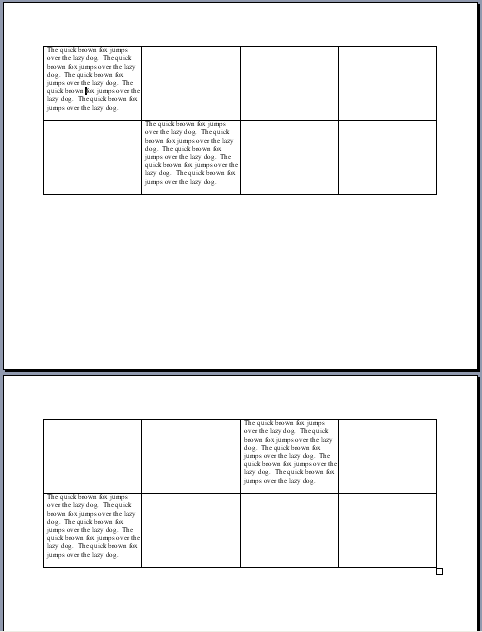
In the case above, someone likely formatted the text to "Keep with Next" (select the text and hit Format Paragraph, Line and Page Breaks tab, and uncheck Keep with Next.
The case below is another story, but I've seen it happen many times. Just can't get your table right. In this case, the page layout is set to be align-centered vertically under File Page Setup, Layout tab.