Date Fields in Microsoft Word
Hopefully, this article will help to settle some confusion about date fields. I continually see questions about it in the newsgroups and on forums.
CreateDate
The day the document was created.
Template Method
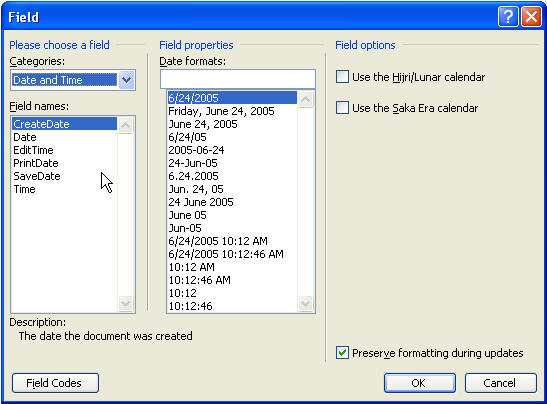
If you want a document that's created from a template to show today's date, and always today's date-so if you create the document on June 24, 2005 and you open it in August, it'll still say June 24, 2005, you can use Insert Field, choose Date and Time and choose Create Date.
Document Method
Insert Date and Time, choose your format, and make sure Automatically Update is not checked.
PrintDate
Use the date the document is printed. This is good for mail merges and documents that you regularly update, such as a report.
Insert Field, choose Date and Time, and choose Print Date.
Other Date Fields
There are other date fields in Word from which you can choose. Check them out.