No Worksheet Appears in Microsoft Excel
Excel
When you open a workbook in Microsoft Excel, you cannot see the file. There appears only a gray screen, even if (sometimes) you can see a formula in the formula bar!
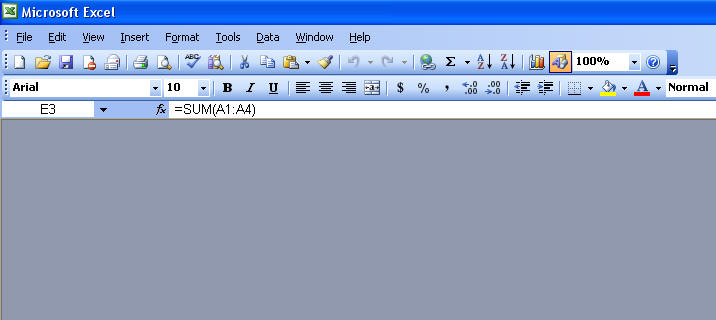
This can happen for several reasons:
-
Least likely is that your workbook has hidden sheets, such as with a personal.xls file. So, just go to Format Sheet Unhide.
-
Excel isn't really opening your workbook at all. Go to Tools Options, General tab. Uncheck Ignore Other Applications.
-
The worksheet has gotten hidden within the application window. Go to Window Arrange, and hit OK.
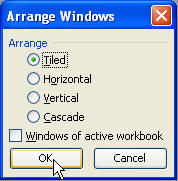
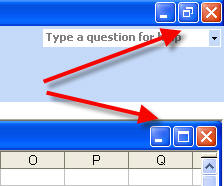
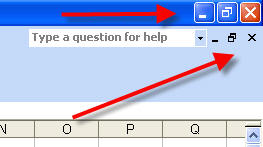
Note how the closing buttons appear now...
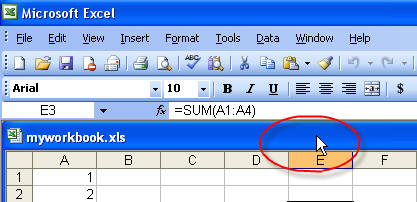
So double-click the title bar of the workbook...
And now notice how the closing buttons appear...