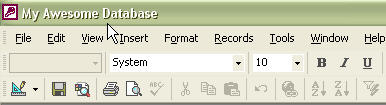
Rename a Microsoft Access Database
Access
Generally, when building a new database based on one of the supplied database templates supplied with Access, new Access users overlook the naming of their new database or they are not satisfied with the name that they first chose. Not to worry…it’s easy to give your database a name that you want it to have.
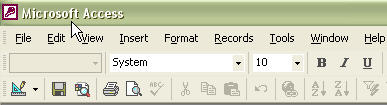
With your database open, go to the Tools menu and select Startup… from the dropdown. The Startup dialog appears. In the upper-left of the dialog, enter or change the name for your database in the Application Title field.

Click the Ok button and then look at the upper left of the Access Application Titlebar; it should now reflect the name that you have chosen.